Almost every week, a new vibecoding platform appears claiming it will transform the way digital products are designed and built. The real question, however, is how many of these tools actually provide meaningful value when used in real-world development environments.
Over the last month, the product development teams at Aubergine conducted extensive testing of leading vibecoding platforms, including Bolt.new, Cursor, Lovable.dev, Replit, and V0, across a variety of production-focused projects.
The result is an honest assessment of what works, what doesn’t, and where each tool fits best. Below is a detailed breakdown of practical applications, limitations, and key differences to help teams navigate the fast-moving AI development landscape.
Top Vibecoding Tools for Building Digital Products
1. Lovable.dev
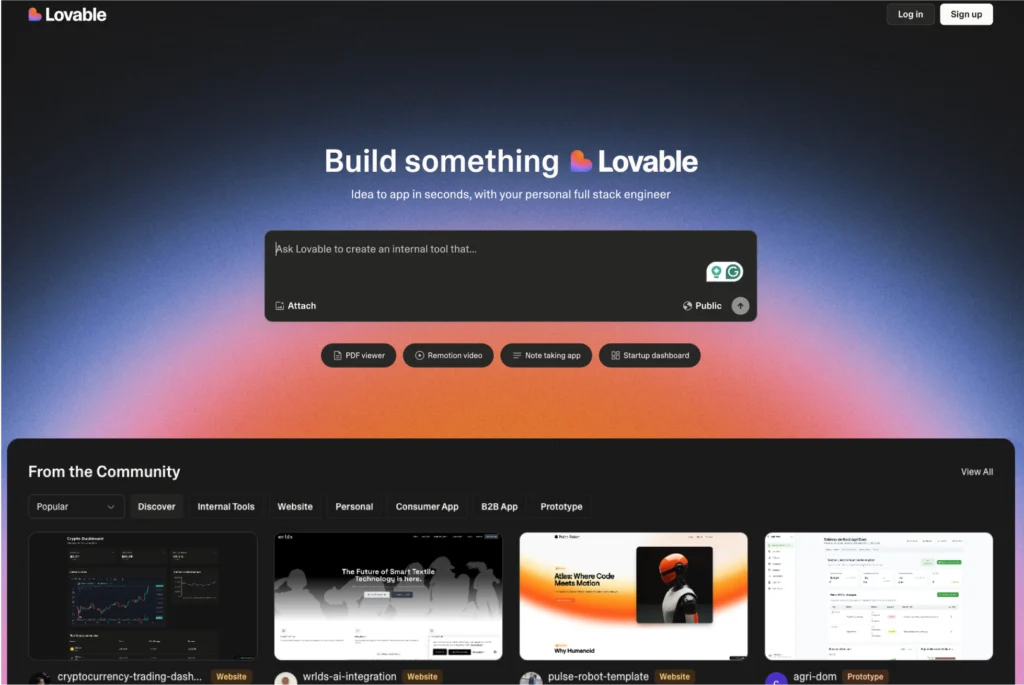
Lovable.dev is a developer-oriented platform focused on creating user-centric products through stronger UX principles, empathy-driven design, and product thinking. It provides a curated set of resources and tools designed to help developers build software experiences that genuinely connect with users.
Ideal for
Lovable.dev performs exceptionally well when speed and visual presentation are top priorities. It is particularly effective for stakeholder demonstrations, allowing teams to create polished and functional frontends within minutes.
The platform is also valuable for validating user journeys in the early stages of product development. Teams can experiment with concepts and workflows without investing time in backend implementation. For hackathons and MVP development, Lovable.dev integrates smoothly with Supabase, enabling teams to build data-driven prototypes complete with authentication functionality.
Pitfalls
Despite its advantages, Lovable.dev comes with several constraints. Its dependency on Supabase can limit flexibility for organizations that require alternative backend solutions or enterprise-level infrastructure.
Furthermore, modifying or extending AI-generated components often introduces instability. Changes can result in unexpected breakages, making ongoing iteration more difficult. As projects evolve beyond the prototype phase, this rigidity can become a significant obstacle.
Summary
An excellent platform for creating polished prototypes and demonstration-ready applications quickly, although it may struggle to support larger and more complex products over time.
2. V0 (by Vercel)
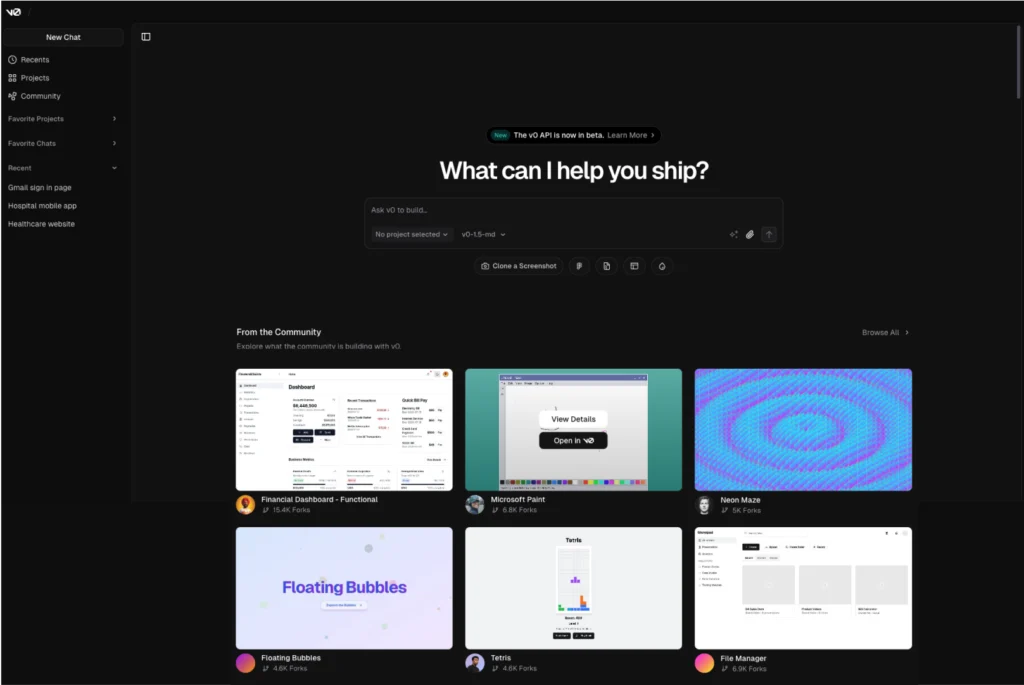
V0 enables teams to generate UI components rapidly without manually writing code, significantly reducing frontend development effort.
V0 is an AI-powered design-to-code platform capable of transforming Figma designs into clean, production-ready React components almost instantly. It simplifies the transition from design to development and accelerates UI delivery.
Ideal for
V0 is optimized for speed, particularly during design-to-development workflows. It converts Figma frames into high-quality React code with minimal effort, making it highly valuable for frontend-focused teams.
Its strengths are especially evident when building landing pages and marketing websites, often allowing teams to move faster than traditional content management systems. V0 also supports low-code internal tool development, including administrative dashboards, particularly when integrated with Supabase.
Pitfalls
One of V0’s primary limitations is its backend dependency. Projects are closely tied to both Vercel and Supabase, leaving limited room for organizations that operate with different infrastructure stacks.
Customization can also become challenging. As business logic grows more sophisticated, V0’s automation may create constraints rather than efficiencies, reducing its usefulness in advanced development scenarios.
Summary
An outstanding solution for rapid frontend creation and marketing websites, though its infrastructure lock-in and customization limitations can create difficulties for more advanced projects.
3. Cursor
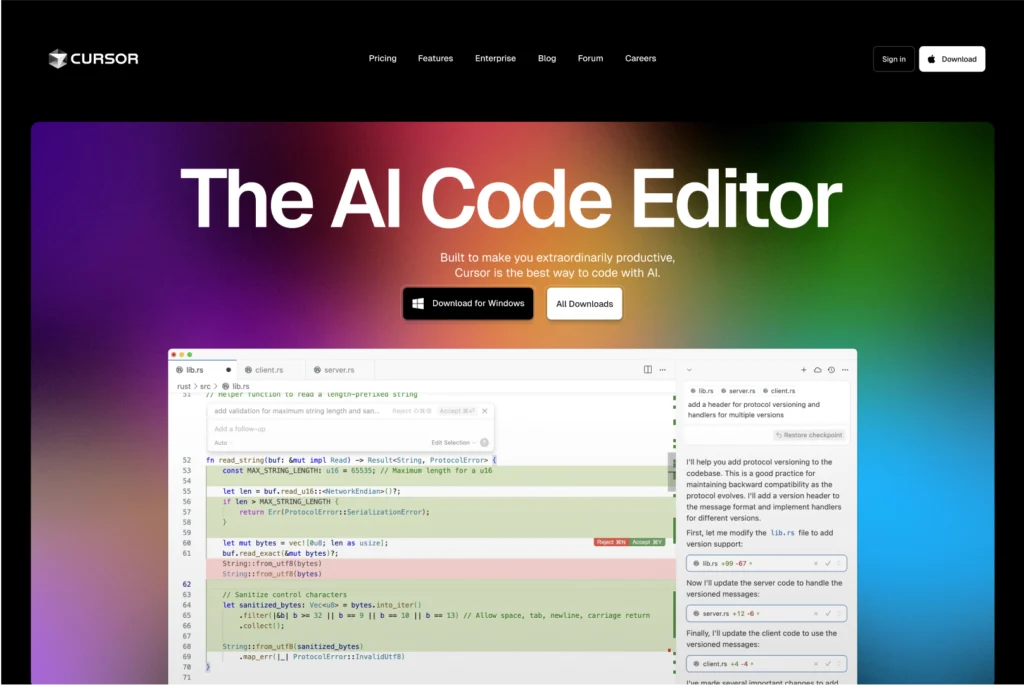
Cursor is an AI-driven code editor designed to support both modern application development and legacy system modernization.
Built on the foundation of VS Code, Cursor integrates AI assistance directly into the coding experience, helping developers write, understand, and refactor code more efficiently through contextual recommendations and inline guidance.
Ideal for
Cursor excels in demanding engineering environments. It is particularly effective for building scalable backend architectures using technologies such as Prisma and MongoDB, making it suitable for enterprise-level applications.
The platform also performs exceptionally well when modernizing older codebases. AI-assisted refactoring capabilities help developers improve legacy systems more efficiently while reducing manual effort.
For mobile developers, Cursor offers strong support for Flutter and React Native projects, generating cross-platform interfaces while accounting for platform-specific requirements.
Pitfalls
Although powerful, Cursor is not without challenges. Debugging can become frustrating when issues such as context loss or dropped WebSocket connections arise.
Additionally, AI-generated code still requires careful human review, especially in environments where security and reliability are critical. Developers cannot fully rely on automation without oversight. As application complexity increases, strong architectural decisions and structured state management remain essential for maintaining scalability and predictability.
Summary
Cursor serves as a highly capable AI development partner for both full-stack and mobile applications, but it requires experienced engineering supervision to prevent costly mistakes and security vulnerabilities.
Although Cursor remains one of the strongest options available, newer competitors such as Windsurf, Cline, and VS Code’s built-in AI capabilities are rapidly gaining traction and making the market increasingly competitive.
4. Claude Code
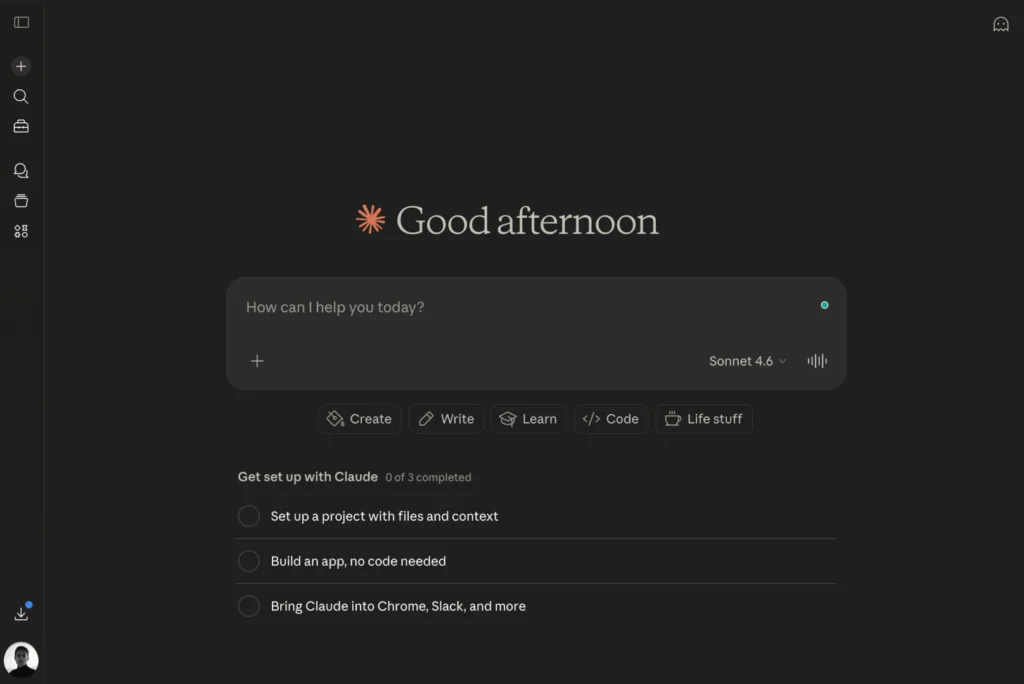
Claude Code represents the industry’s move toward more autonomous and agent-driven software development. It can interpret requirements, create execution plans, generate code, and assist with testing, making it highly effective for comprehensive development workflows.
Ideal for
Claude Code is particularly well-suited for teams developing sophisticated systems where structured reasoning and multi-step execution are important.
The platform performs strongly in areas such as API architecture, large-scale codebase refactoring, and the development of production-quality business logic that requires contextual understanding.
Pitfalls
Despite its strengths, Claude Code occasionally introduces unnecessary complexity into solutions or requires carefully crafted prompts to remain aligned with project requirements.
Organizations should also maintain rigorous review processes to ensure generated outputs meet quality and architectural standards.
Summary
A significant advancement toward autonomous software engineering, offering substantial value when paired with clear direction and disciplined development practices.
5. Devin
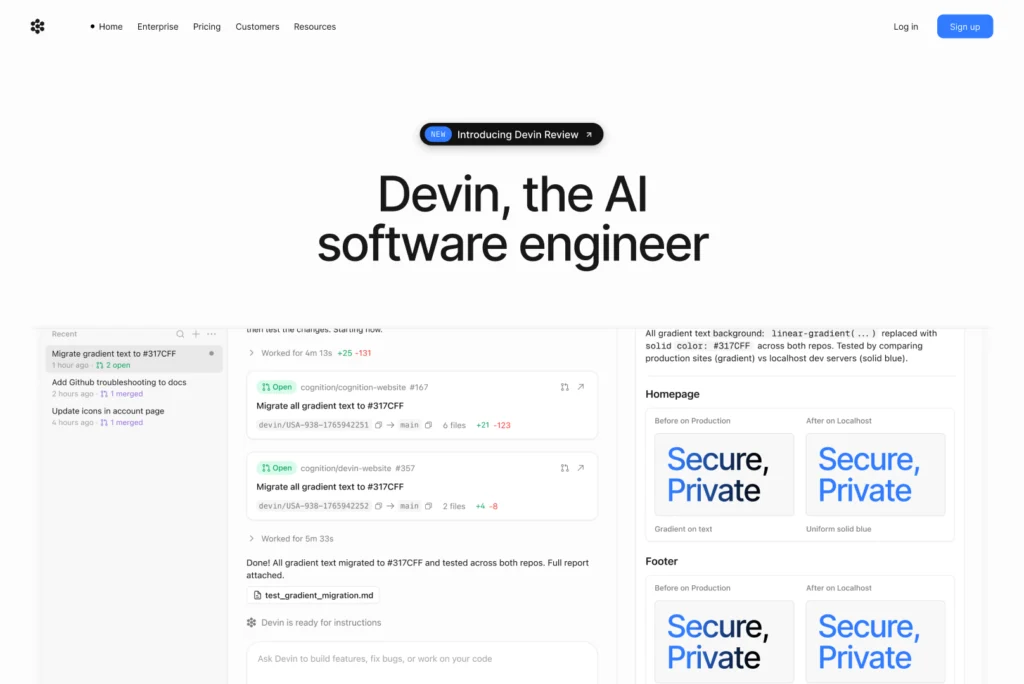
Devin is an autonomous AI software engineer capable of handling complete development tasks with minimal human intervention. It represents one of the industry’s most ambitious attempts to automate software creation.
Ideal for
Devin performs well when managing end-to-end development responsibilities, including feature implementation, bug resolution, and iterative improvements across existing applications.
Its ability to execute extended workflows with limited supervision makes it particularly attractive for teams seeking maximum automation.
Pitfalls
The platform remains relatively expensive and continues to mature. Reliability is not yet sufficient for mission-critical production environments without significant human oversight.
Development teams should view Devin as a productivity enhancer rather than a complete replacement for software engineers.
Summary
A compelling glimpse into the future of software development—powerful, promising, and still evolving.
6. Replit
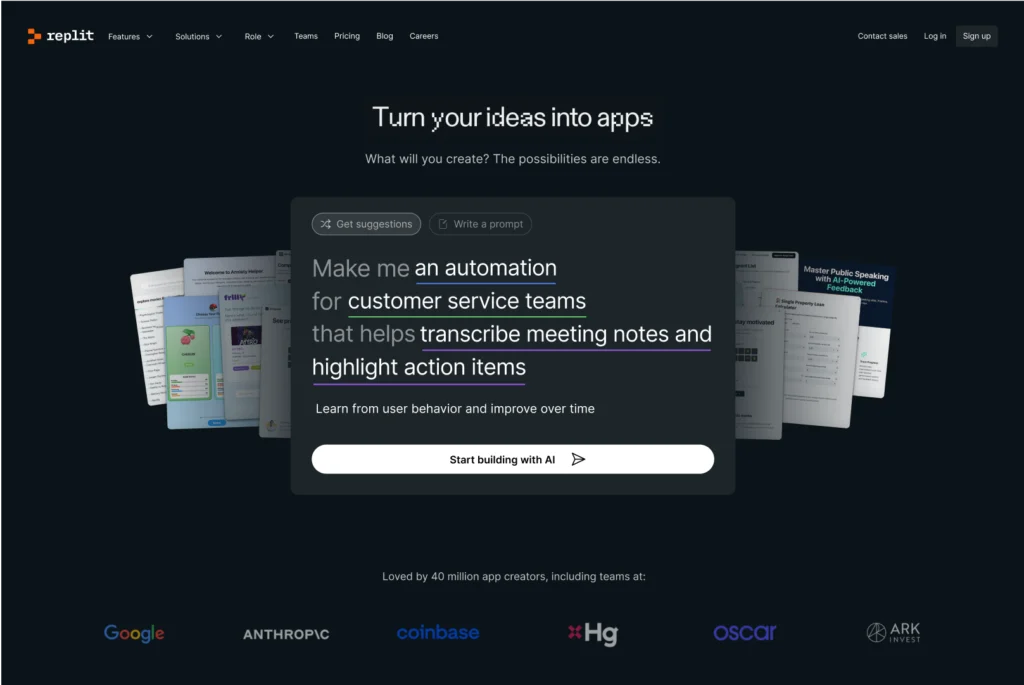
Ask for an application and watch it come to life. Deploy it instantly and share it with users immediately.
Replit is a cloud-based development platform enhanced by AI assistance, allowing developers to code, collaborate, and deploy directly from the browser. Built-in hosting and real-time collaboration simplify the process of creating and sharing applications.
Ideal for
Replit is particularly effective for quickly launching production-ready functionality without extensive configuration. Features such as Stripe integrations, PDF generation, and role-based access controls can be implemented with minimal setup.
It is also highly valuable in educational environments, where AI-assisted explanations help students understand programming concepts more effectively.
For backend development, Replit supports the rapid deployment of stable Node.js and Python APIs, making it an excellent option for smaller applications and learning projects.
Pitfalls
The platform’s interface output often lacks the level of visual polish expected in modern consumer applications.
In addition, while Replit remains cost-effective for smaller projects, extensive use of AI-powered generation features can increase expenses significantly. Even relatively simple applications can incur costs ranging between $40 and $50.
Summary
A flexible and efficient platform for lightweight production development, though its design quality and long-term cost efficiency may be limiting factors.
7. Bolt.new
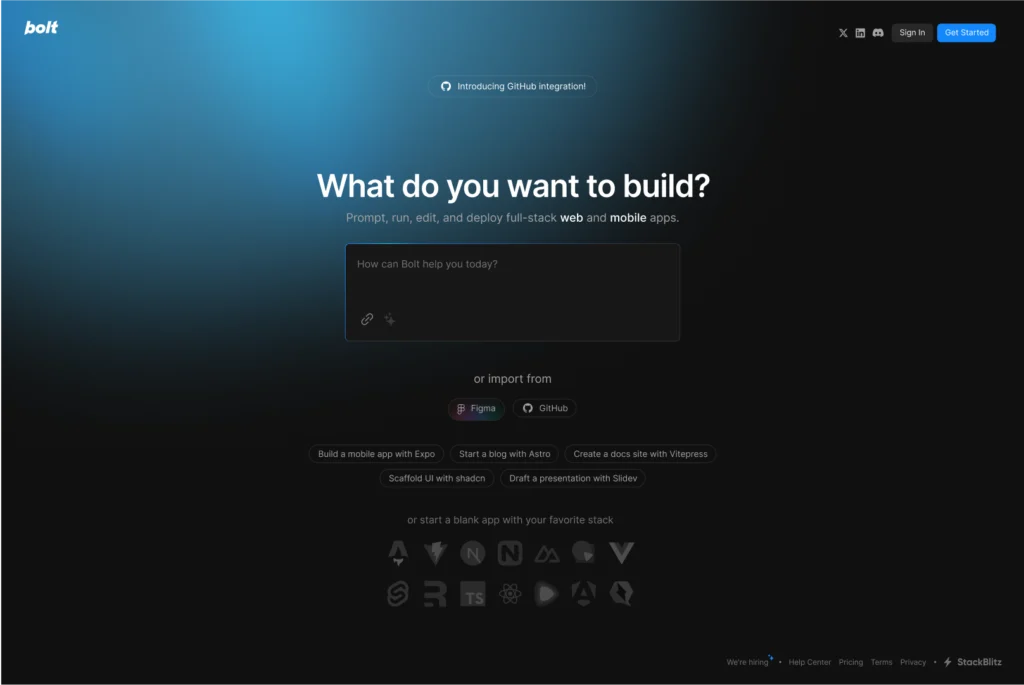
Bolt.new is a lightweight browser-based development environment designed for rapid experimentation and prototyping. It enables developers to write and execute code with minimal configuration while handling package installation and file management directly within the browser.
Ideal for
Bolt.new is best suited for rapid experimentation, iterative coding, and lightweight development workflows.
It works particularly well for exploring APIs, creating internal tools, and evaluating new libraries. The platform’s streamlined experience and immediate feedback cycle make it attractive when simplicity and speed outweigh the need for enterprise-level functionality.
Pitfalls
While development is fast, the generated code often requires additional work before it is suitable for production environments. Refactoring is commonly necessary when moving beyond proof-of-concept implementations.
Its overall feature set is also less comprehensive than traditional development environments or enterprise-focused platforms.
Summary
A useful environment for fast experimentation and idea validation. Teams seeking greater control or local infrastructure support may prefer Bolt.diy, its self-hosted counterpart, though that option introduces additional setup complexity.
8. GitHub Copilot
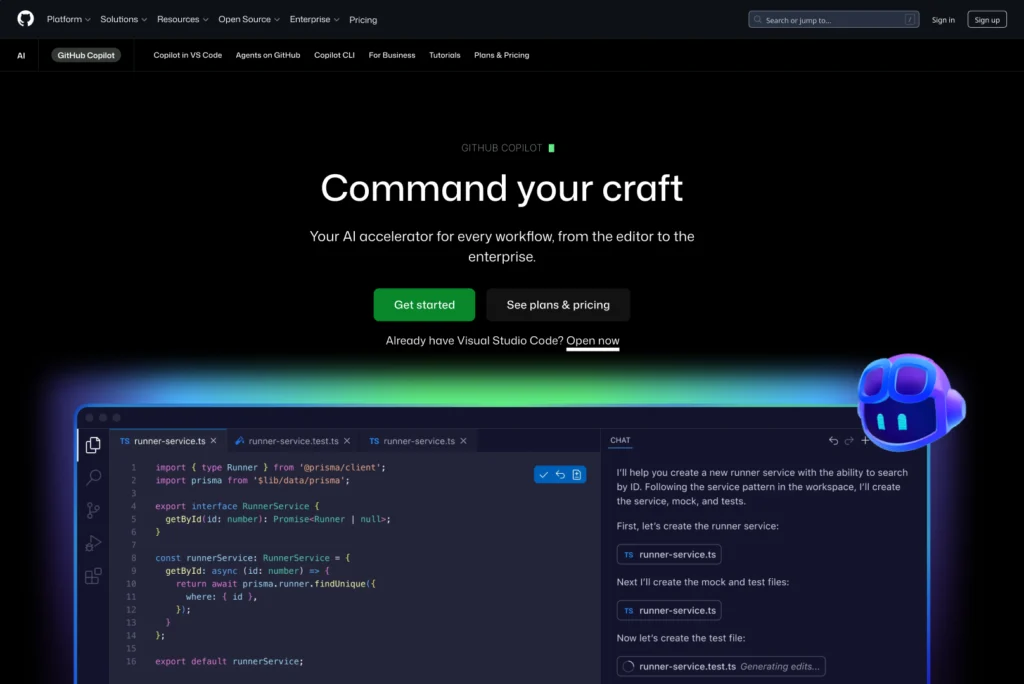
GitHub Copilot remains one of the most widely adopted AI coding assistants available today. Deep integration with VS Code and GitHub makes it a natural part of many developers’ daily workflows.
It delivers real-time code suggestions, contextual guidance, and inline completions across a broad range of programming languages.
Ideal for
Copilot excels at everyday coding tasks. It significantly accelerates the creation of boilerplate code, API integrations, and repetitive development work.
Its seamless connection to GitHub workflows makes it particularly attractive for teams already operating within the GitHub ecosystem.
Pitfalls
Although Copilot performs exceptionally well for code completion and productivity enhancement, it remains less capable in advanced multi-step reasoning scenarios compared to newer agent-based platforms.
Developers still need to guide system architecture decisions and thoroughly validate generated code.
Summary
A reliable and mature AI coding assistant that consistently improves developer productivity, though it offers fewer autonomous capabilities than emerging alternatives.
Comparing the Best AI Coding Tools in 2026
As the AI coding market becomes increasingly crowded, product teams face growing challenges when deciding which platforms deserve a place in their workflows.
After evaluating dozens of tools across production environments, we identified several standout solutions and the areas where they continue to face limitations.
| Tool | Best For | Core Strength | Current Limitation |
|---|---|---|---|
| Cursor | Full-stack development | Scalable backend architecture and refactoring | Requires experienced engineering oversight |
| Claude Code | Agentic development | End-to-end task execution | Requires structured prompting and review |
| Devin | Autonomous engineering | Workflow automation | Expensive and still maturing |
| GitHub Copilot | Daily coding productivity | Fast and dependable code assistance | Limited advanced reasoning |
| Windsurf | AI-assisted development | Multi-file reasoning and pair programming | Future roadmap remains uncertain |
| Lovable | UI prototyping | Instant no-code interfaces | Dependent on Supabase |
| V0 | Design-to-code workflows | Rapid React component generation | Limited flexibility |
| Replit | Collaborative development | Browser-based deployment | UI quality and cost challenges |
| Bolt.new | Rapid prototyping | Minimal setup requirements | Not production-ready |
Each platform offers distinct strengths and weaknesses. Cursor continues to lead for advanced engineering work, while emerging competitors such as Windsurf, Cline, and VS Code AI are steadily improving and challenging established players.
Our recommendation is simple: select the tool that solves your most immediate problem today, and remain flexible as the ecosystem continues to evolve.
The Winning Strategy
Building a successful digital product is a multi-stage process, and no single AI platform excels at every stage.
Validation
Platforms such as Lovable.dev, V0, and Cline are ideal for validating ideas quickly. They allow teams to prototype concepts, test user experiences, and create functional demonstrations in a matter of hours rather than weeks.
These capabilities are particularly valuable for investor presentations, early user testing, and internal stakeholder alignment.
Scale
As products mature and technical complexity increases, teams should transition to platforms such as Cursor, Replit, or VS Code AI.
These solutions provide stronger support for complex business logic, secure integrations, and production-grade infrastructure. Windsurf can also serve as a practical AI assistant for day-to-day software engineering tasks.
Optimization
Regardless of the tools used, AI cannot replace rigorous human review.
Before releasing software, teams should conduct thorough evaluations covering security, compliance, performance optimization, and edge-case handling—especially in regulated industries or applications involving sensitive user data.
AI can accelerate development, but accountability remains firmly in human hands.
Final Thoughts
AI development tools are best viewed as power tools: highly effective when used appropriately and potentially problematic when used incorrectly.
Just as you would not use a hammer to tighten a screw, you should not expect a prototype-focused platform to manage the demands of a complex backend architecture.
Although these tools dramatically accelerate development, long-term success still depends on structured engineering practices and reusable component systems capable of supporting production-scale applications.
Choose your tools carefully and build with intention. Your technology stack reflects how your team approaches problem-solving, balances speed with quality, and prepares for growth.
At Aubergine, we have observed firsthand that successful AI adoption is closely linked to measurable engineering outcomes. This experience inspired the creation of ExcellerAIte, our AI-first framework for product design and software development.